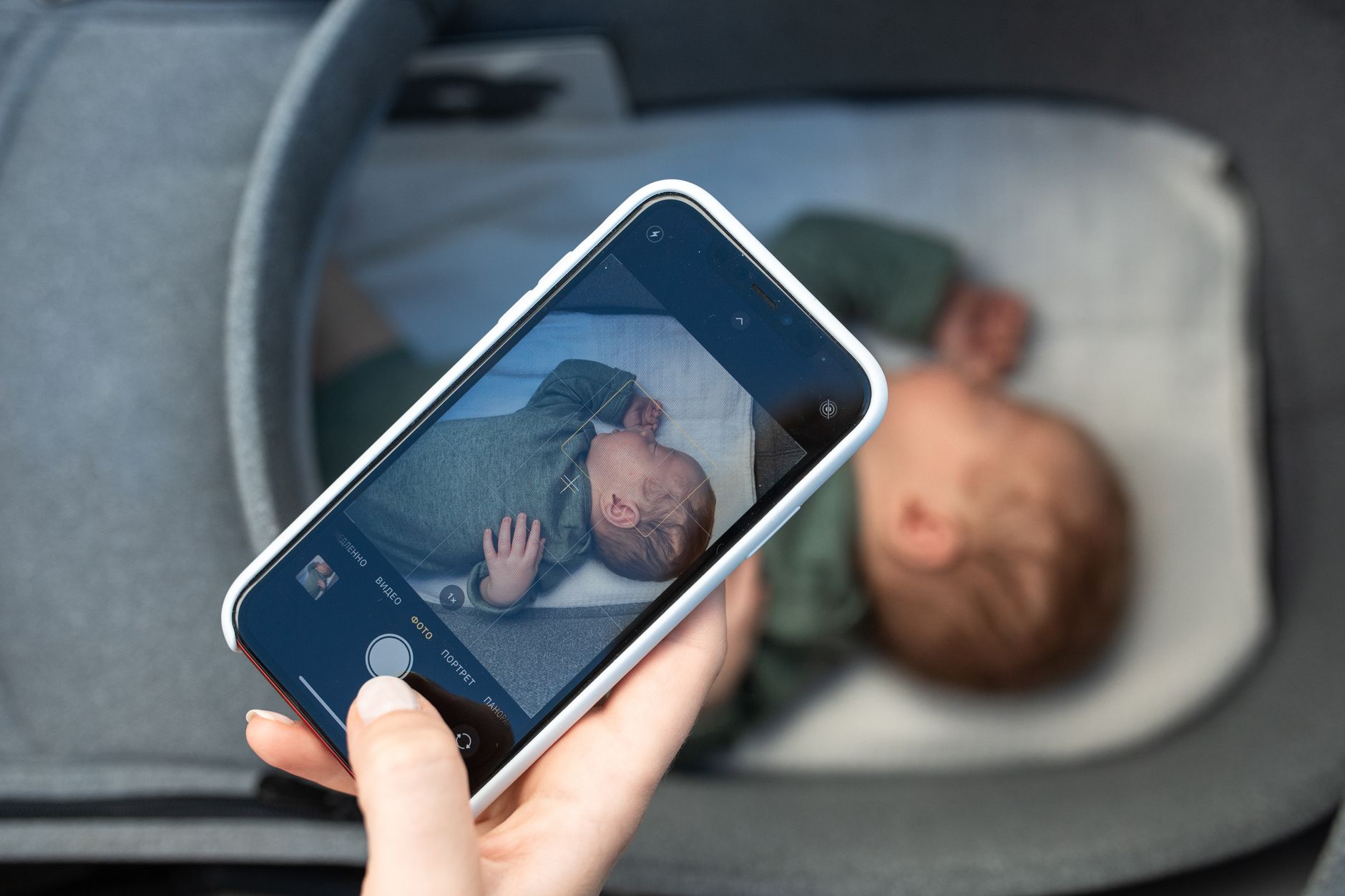
If you want a baby monitor without Wi‑Fi, you are usually optimizing for three things at once: a private local link, a dedicated parent screen that does not depend on your phone, and no subscription. This research guide compares non‑Wi‑Fi video monitors using manufacturer feature claims and independent roundups, and it is honest about the tradeoff—you give up remote viewing from work when you stay offline.
How this guide was made: We have not lab-tested these monitors in our own nursery. Picks are based on brand specifications, retailer feature lists, and secondary testing/roundup reporting we cite. See our Review Methodology.
Affiliate disclosure: Some links may be affiliate links. Commissions do not change which models we include.
Quick Answer: The Best Baby Monitor Without WiFi
For most families, the best baby monitor without WiFi is a dedicated parent-unit video system. The Infant Optics DXR-8 Pro is the common one-room starting point (local HD video, pan/tilt, no app). Choose a multi-camera non‑WiFi kit such as the Babysense Max View Pro when you need split-screen coverage for twins or two rooms. Keep a simple audio monitor as a backup if you want redundancy.
| Model | Best for | Connection | Parent unit | Cameras | Subscription | Watch-outs |
|---|---|---|---|---|---|---|
| Infant Optics DXR-8 Pro | Best overall non‑WiFi video | Local RF (no home Wi‑Fi) | ~5" dedicated screen | Expandable (add-on cams) | None | No phone viewing; range depends on walls |
| Babysense Max View Pro | Split-screen / multi-room | Local 2.4 GHz FHSS | ~5.5" display | Up to 4 cams (kits vary) | None | No remote app access by design |
| Hellobaby / VTech class value units | Budget dedicated video | Local RF | Dedicated screen | Usually 1–2 | None | Fewer optics/features; verify current SKU |
| VTech audio-only (e.g. DM221 class) | Cheap backup audio | Local RF | Audio parent unit | N/A | None | No video confirmation |
Feature signals summarized from brand/retailer pages and 2026 non‑WiFi monitor roundups (Forbes Vetted, Mommyhood101, BabyGearLab coverage). Confirm the exact SKU in stock before buying—monitor model names churn.
Why skip Wi‑Fi on purpose
- Privacy: No cloud account, no camera login to leak.
- Reliability: Nursery viewing still works when the home internet drops.
- Fewer distractions: A parent unit does one job; a phone does fifty.
You give up: checking the crib from a café, sharing a live feed with a caregiver across town, and AI sleep “insights” that often sit behind subscriptions.
How we chose
- Required a true local link (no mandatory home Wi‑Fi for basic viewing).
- Preferred a dedicated parent display over phone-only apps.
- Checked whether add-on cameras / split-screen exist for growing families.
- Excluded “Wi‑Fi optional” marketing that still pushes an app for core features unless the local mode is clearly documented.
Pick notes
Infant Optics DXR-8 Pro — best default non‑WiFi video
Independent roundups repeatedly treat the DXR-8 Pro as the default privacy-first video monitor: dedicated handheld screen, local transmission, interchangeable lenses on Pro trims, pan/tilt controls, and no subscription. It will not replace Nanit-style breathing analytics. Buy it when the job is “see and hear the crib in this house.”
Babysense Max View Pro — best when you need two rooms
Reviews of the Max View Pro highlight a larger parent display, local FHSS connection, split-screen, and support for multiple cameras without Wi‑Fi or accounts. Choose it for twins, shared naps across rooms, or caregivers who want two views without juggling phones.
Value dedicated video (Hellobaby / VTech class)
Budget non‑WiFi video kits exist and are fine for short-term use or secondary spaces. Scrutinize night vision, battery life claims, and whether the parent unit is included—some “camera” listings assume you already own a screen.
Audio-only backup
A simple local audio monitor remains a smart second layer if your video unit’s battery dies mid-night. It will not show chest movement; it only tells you something is loud.
When a Wi‑Fi monitor is the better buy
Choose Wi‑Fi/app monitors (Nanit, Cubo, and peers) if remote viewing, multi-caregiver sharing, or sleep analytics matter more than keeping video off the internet. Budget for subscriptions if the features you want are gated.
Setup and safety habits
- Place cameras out of reach; route cords safely.
- Test range on every floor before relying on it overnight.
- Use sound activation / VOX if you want longer parent-unit battery life.
- Remember: consumer monitors are not medical devices and do not replace safe-sleep practices.
FAQ
Is a non‑WiFi monitor more secure?
It removes cloud login risk for viewing, which is why privacy-focused parents prefer it. Physical access to the parent unit still matters.
Can I watch a non‑WiFi monitor from work?
Generally no. That is the design tradeoff.
Do I need a subscription?
Not for the local dedicated-unit models in this guide.
Will it work during an internet outage?
Local RF monitors should keep working as long as both ends have power. Confirm during a setup test.
Are mattress sensor pads necessary?
Optional. Some hybrid systems exist; treat medical-sounding claims cautiously and follow pediatric guidance.
Related guides
Sources
- Forbes Vetted — Best Non-WiFi Baby Monitors 2026 — https://www.forbes.com/sites/forbes-personal-shopper/article/best-non-wifi-baby-monitor/
- Mommyhood101 — Babysense Max View Pro review — https://mommyhood101.com/babysense-pro-review
- BabyGearLab — Best Video Baby Monitors topic — https://www.babygearlab.com/topics/health-safety/best-video-monitor
- Manufacturer/retailer feature pages for Infant Optics DXR-8 Pro and Babysense Max View Pro (verify current SKUs)
Cover photo: RDNE Stock project on Pexels (Pexels License).